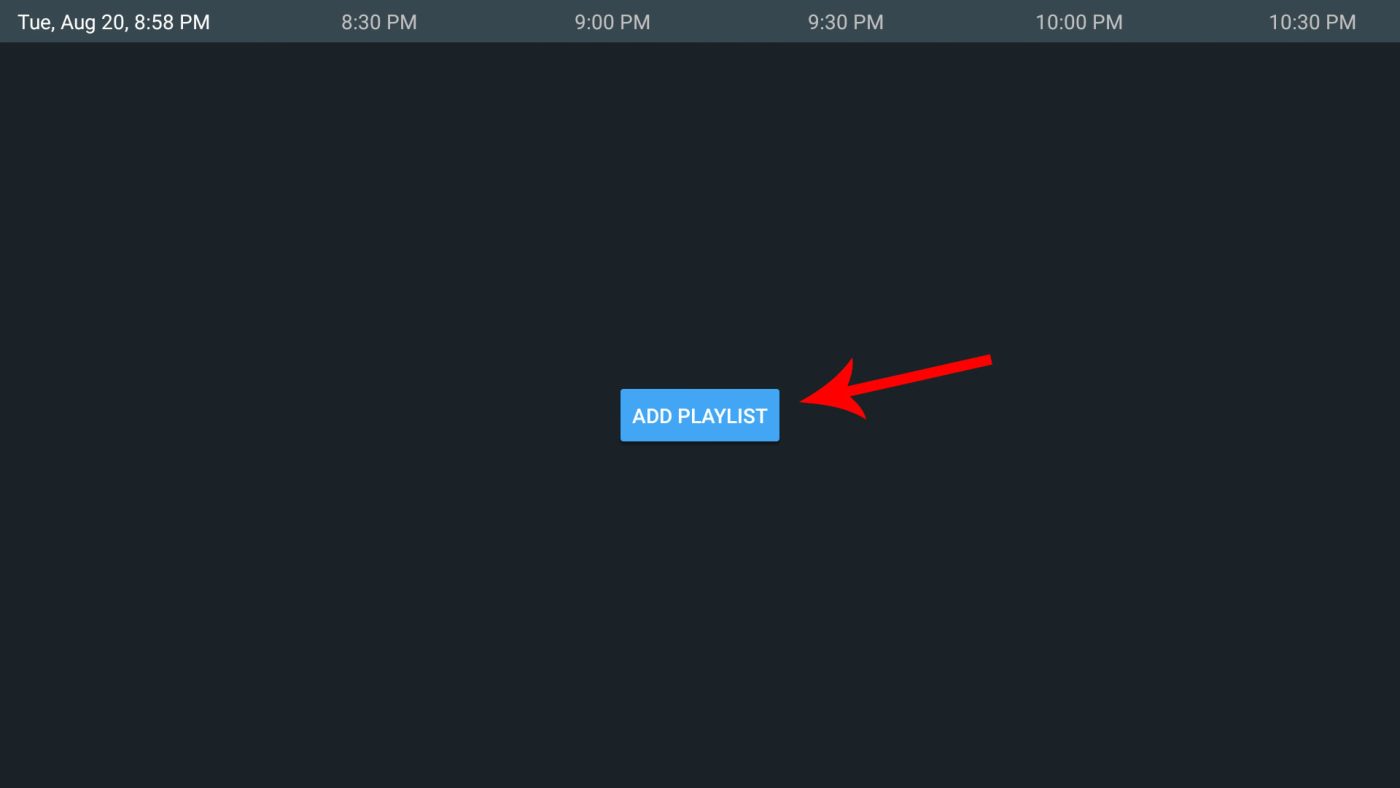
Step 1: Open the TiviMate application and click on the Add Playlist button.
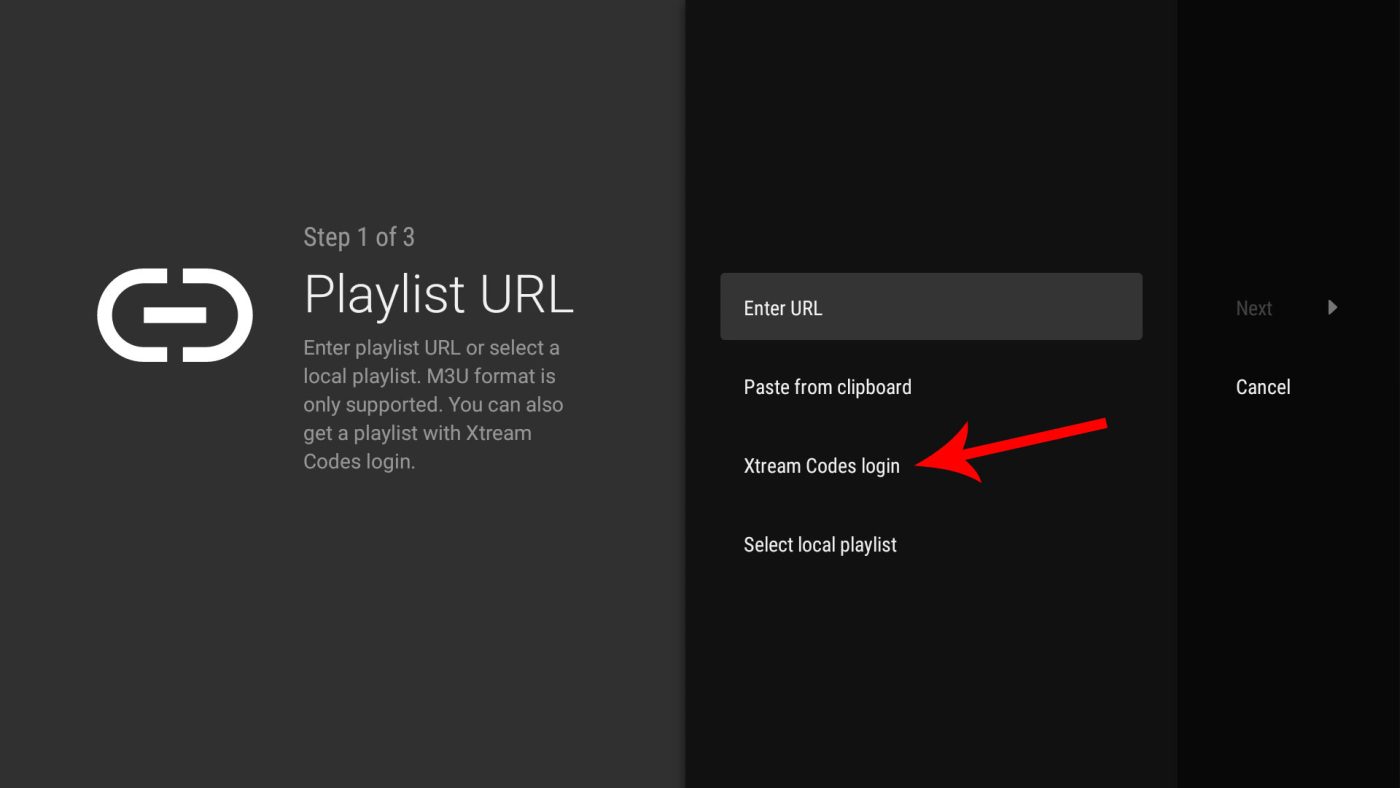
2. Click on the Xtream Codes connection
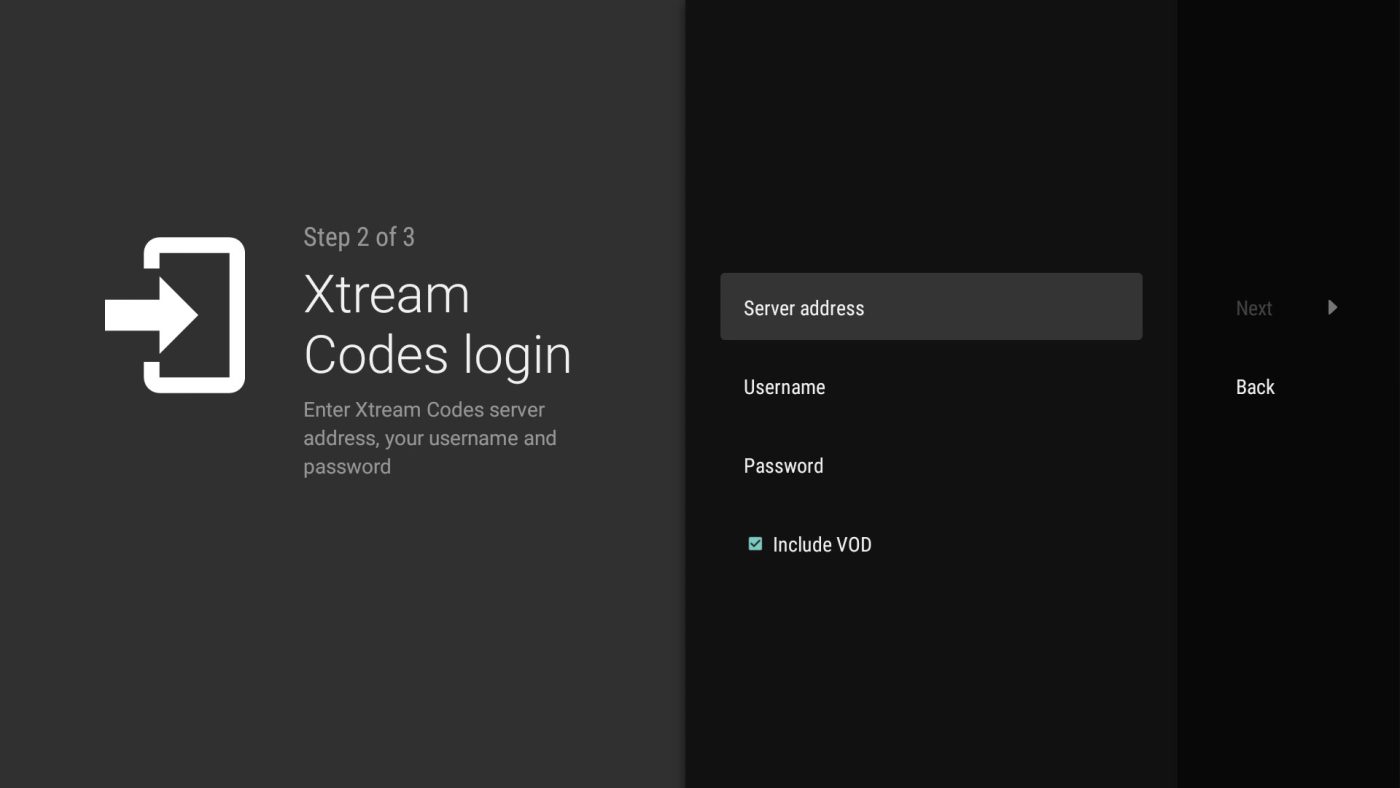
3. Enter the information provided for your subscription :
-Server Address
-Username
-Password
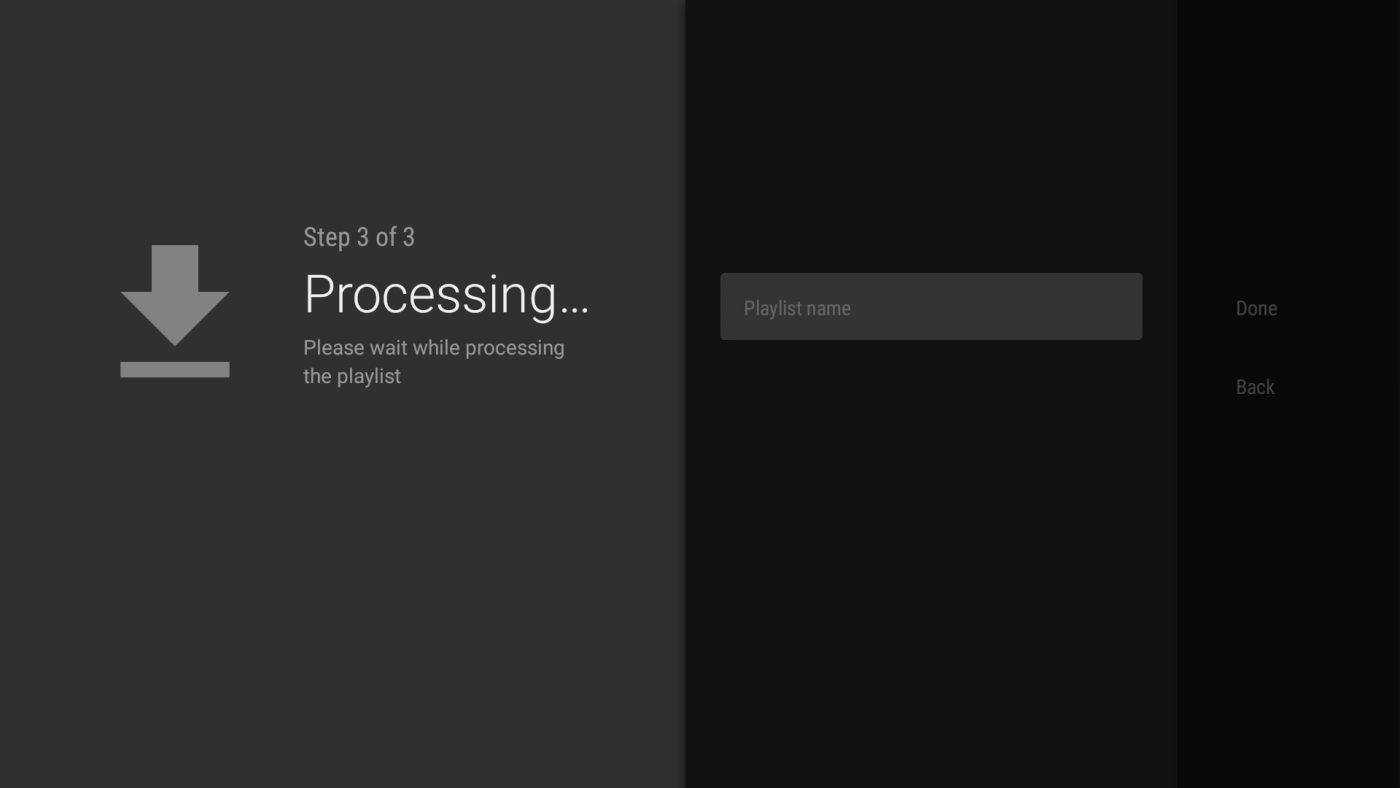
4. Save the information and give your playlist a name, then click Done. You are now connected to your IPTV service.